 Desktop
File Explorer
Browse drives and folders, filter a file list, and handle local copies, moves and renames.
Explore files
Built for Windows
Files due today? Find what you need, open your saved destination and follow the transfer in one Windows workspace.
See the Windows app, from the transfer panel to the Connection Globe.
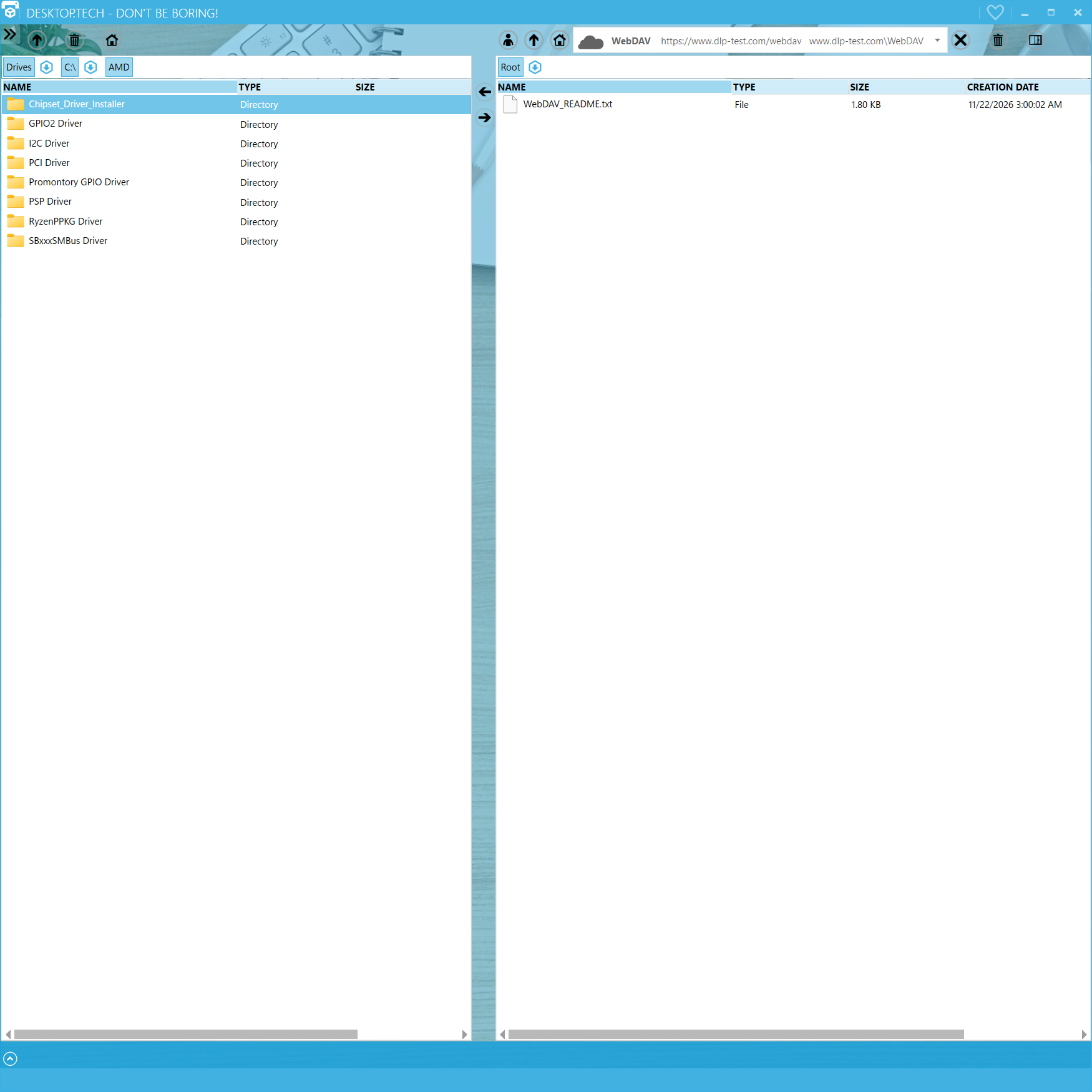
Browse a local folder and a WebDAV server side by side in the transfer panel.
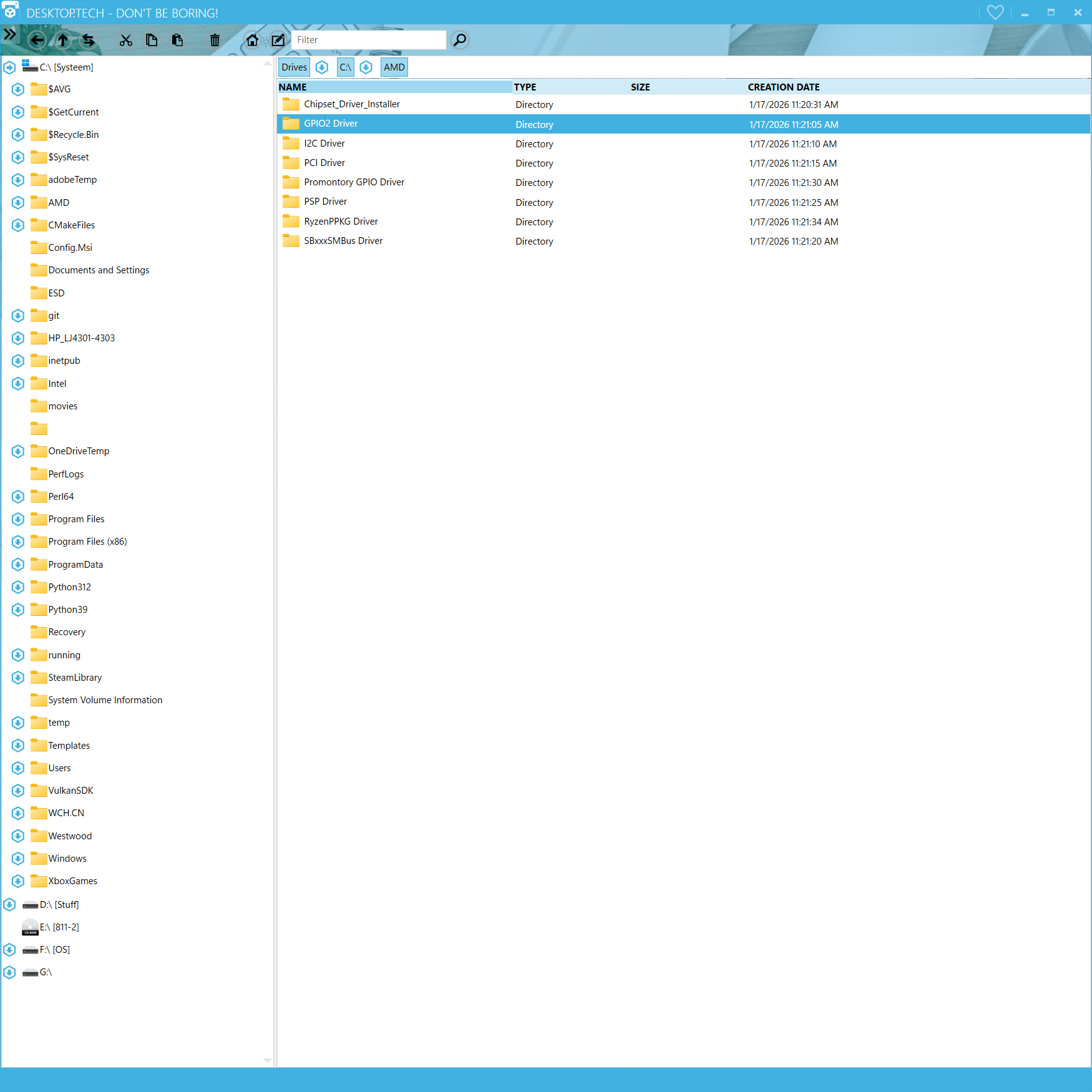
Browse your drives from the folder tree and follow the path at the top of the file list.
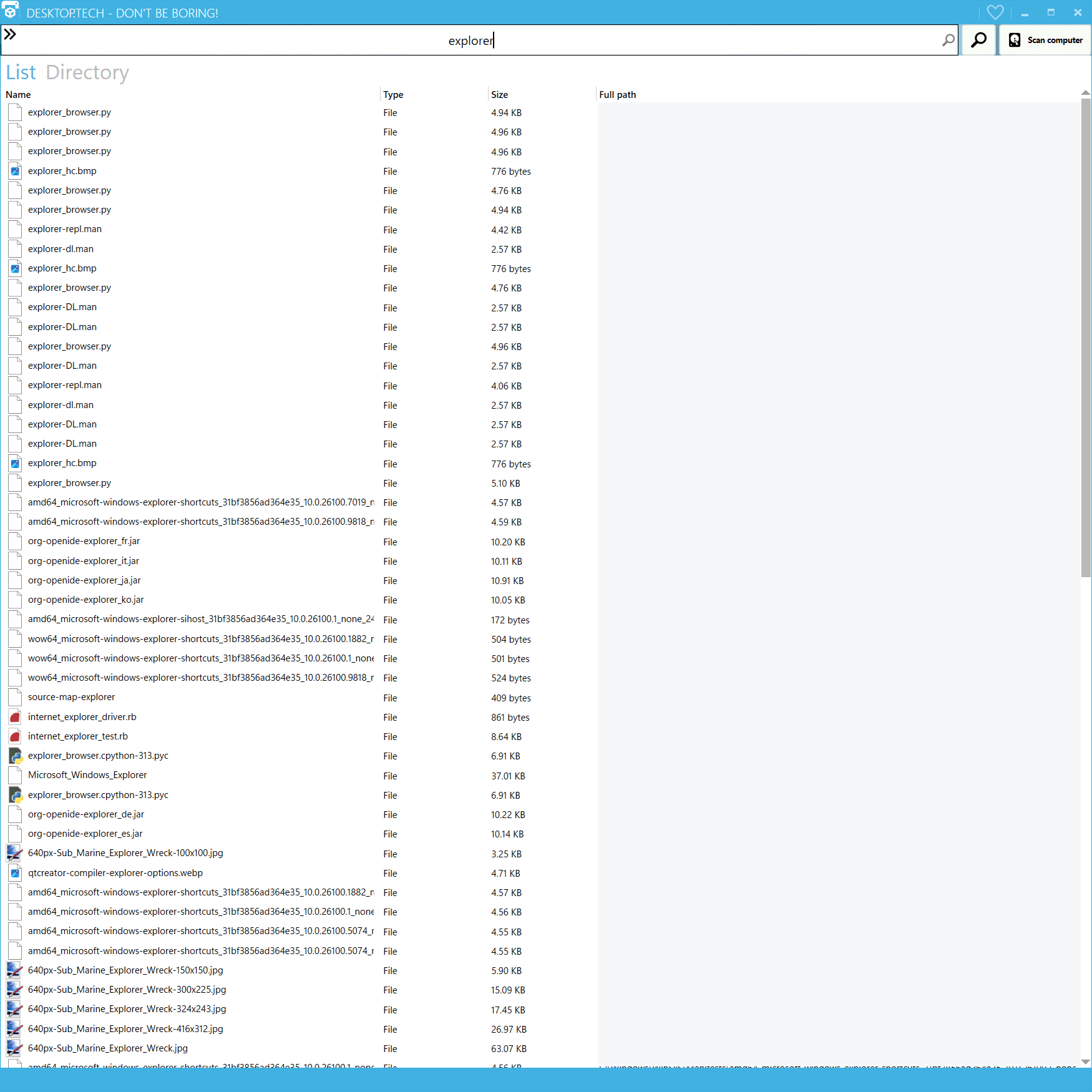
Find files by name and switch between list and directory views. Local paths are masked in this screenshot.
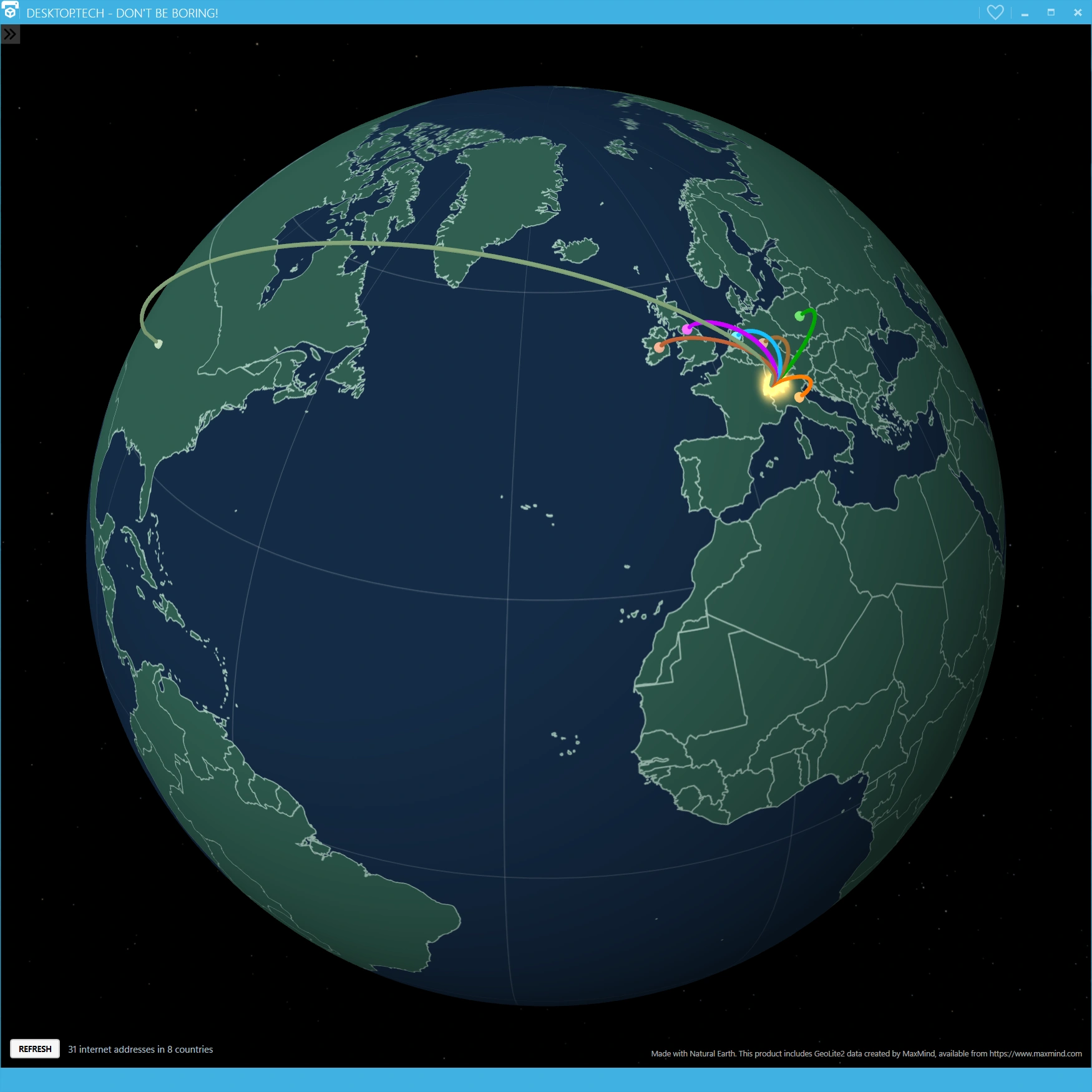
See where your PC is connected, with routes drawn across a 3D Earth.
Open transfers, Explorer, search or connection profiles directly from the home screen.
The transaction panel
Save your usual NAS, server or cloud connection before the next request comes in. When it does, choose the files and track the upload or download with both folders in view.
Explore file transfersA missing document or misplaced path can hold up a handoff. Find files, switch folders or bring back text you copied earlier.
Browse drives and folders, filter a file list, and handle local copies, moves and renames.
Explore filesIndex local drives to find files by name. Sort the matches or see them grouped by directory.
How search worksTurn on text history to recover something you copied and put it back on the Windows clipboard.
Set up your workspace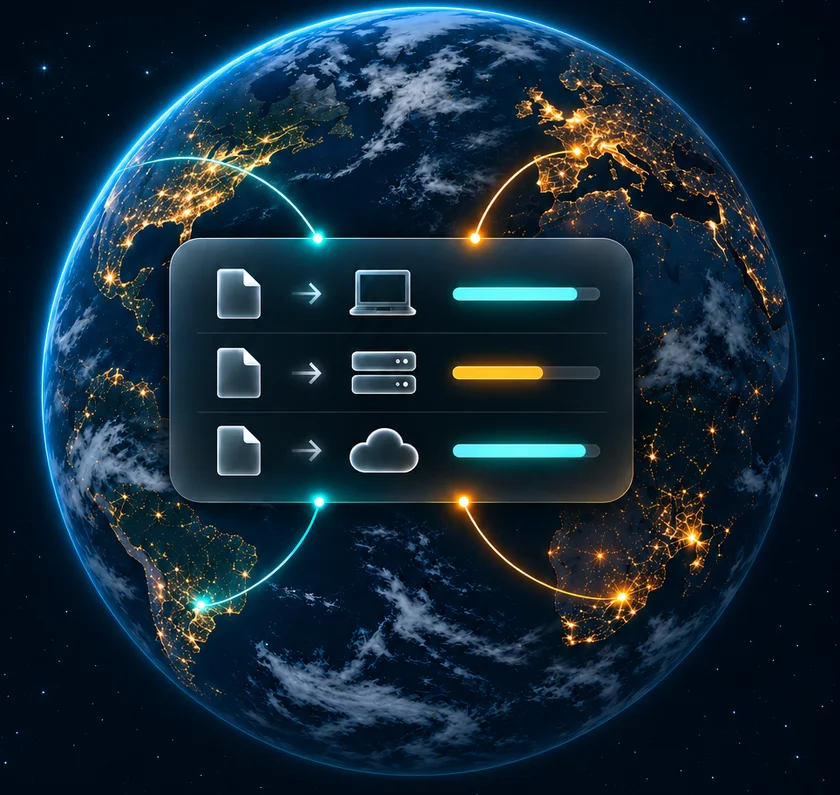
Connection Globe
Explore established internet connections on a rotating 3D Earth. See the destination country and, when available on Windows, the program associated with a connection.
Explore the Connection GlobeChoose your interface language in Options on the Desktop.Tech welcome screen.
Start with the destination you use most. Save it today so you can open it for your next transfer.