 Desktop
Connection Globe
See your PC’s connections right now
Open a rotating 3D Earth to see the countries associated with your current internet connections.
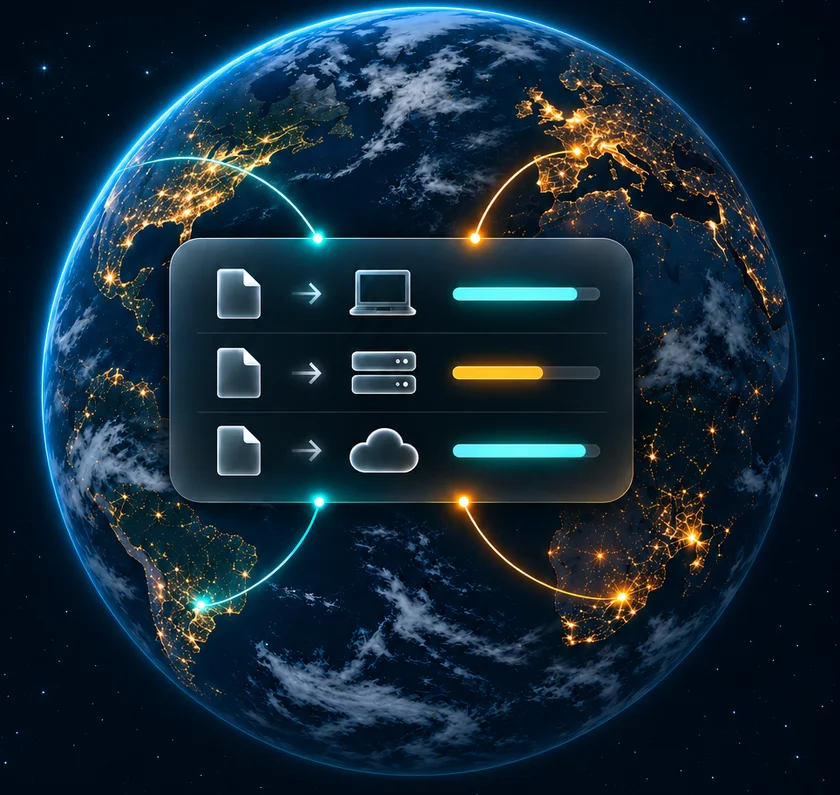
Explore a connection
- Open Connection Globe from the welcome screen and read the privacy notice.
- Drag the globe to rotate it, or use the mouse wheel to zoom.
- Hover near the end of a line for its country, remote IP addresses and program names when Windows makes them available.
- Use Refresh to read the current connections again.
What goes into the map
The globe shows established TCP connections to public IPv4 and IPv6 addresses. Lines point to the country associated with a remote address.
Desktop.Tech sends public remote IP addresses over HTTPS to its geolocation service to look up their countries. Program names are read on the PC and stay on the PC.
Read the privacy policy